Vyapar Taxone: Secondary User Verification & Password Setup
The core concept behind this project is to strategically transform Suvit from a periodic compliance
tool into the essential daily operational hub for CA firms, the "Slack for CA."
Role
Product Designer
Timeline
1 week
Team
4
Industry
The Card Company
🧩 Problem Statement
When a primary user invites a secondary user or client to access the Vyapar Taxone dashboard, the primary user must manually set the secondary user's email, phone number, and password.
No Verification: The system does not verify whether the entered email or phone number belongs to the invited user.
Insecure Credentials: The primary user sets the password for the secondary user, creating a privacy and security risk.
🎯 Goal
Create a simple and secure way for secondary users to verify their contact information and set their own passwords using OTP, while smoothly transitioning existing users to this new verified system without interrupting their work or access to the platform.
User Stories
Primary User: "I want my invited secondary users to verify their contact details and set their own passwords, ensuring data security and authenticity."
Secondary User: "I want to receive a verification OTP or link to confirm my email/phone and set my own password, so I can securely log in."
The Solution
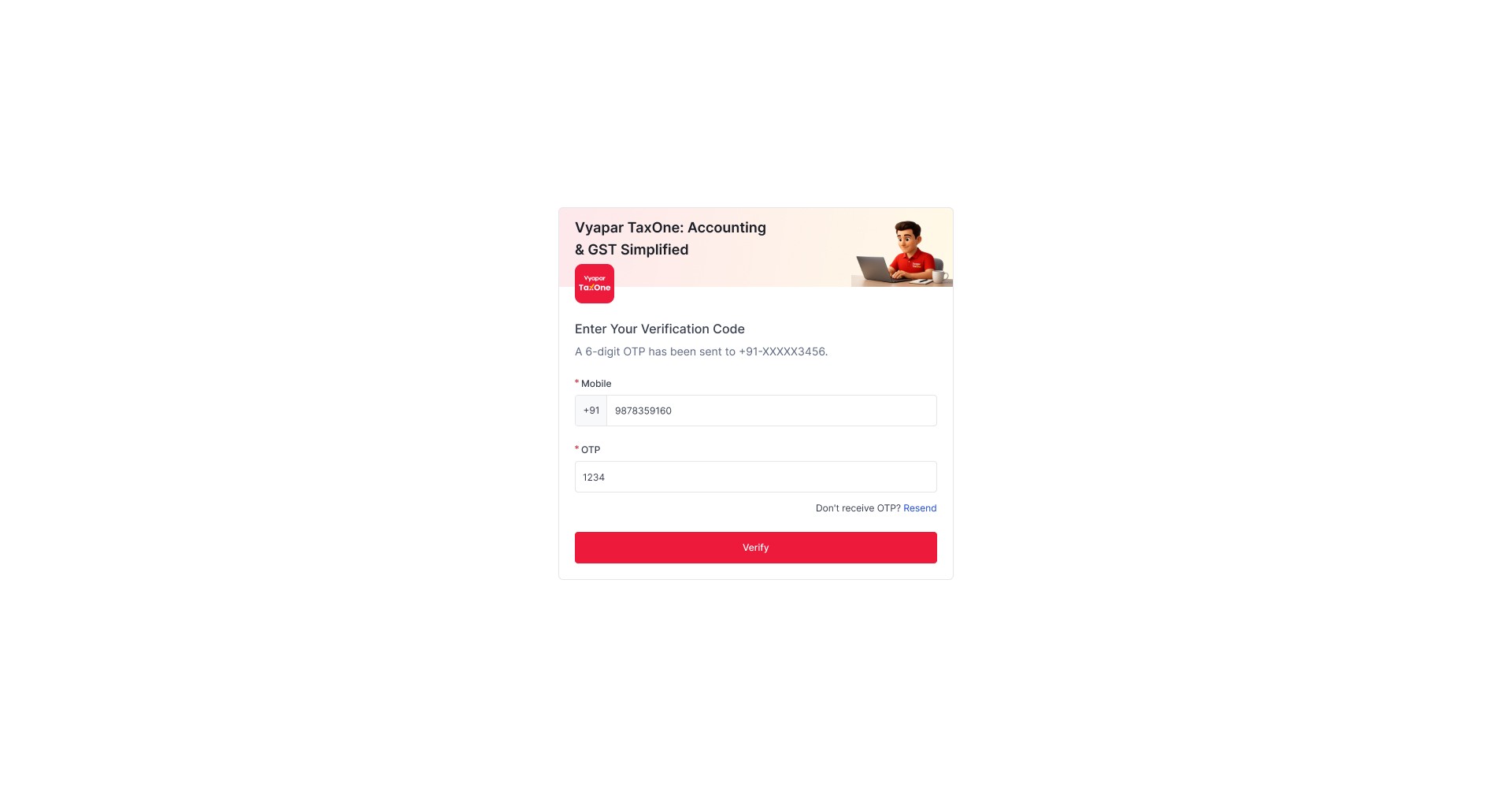
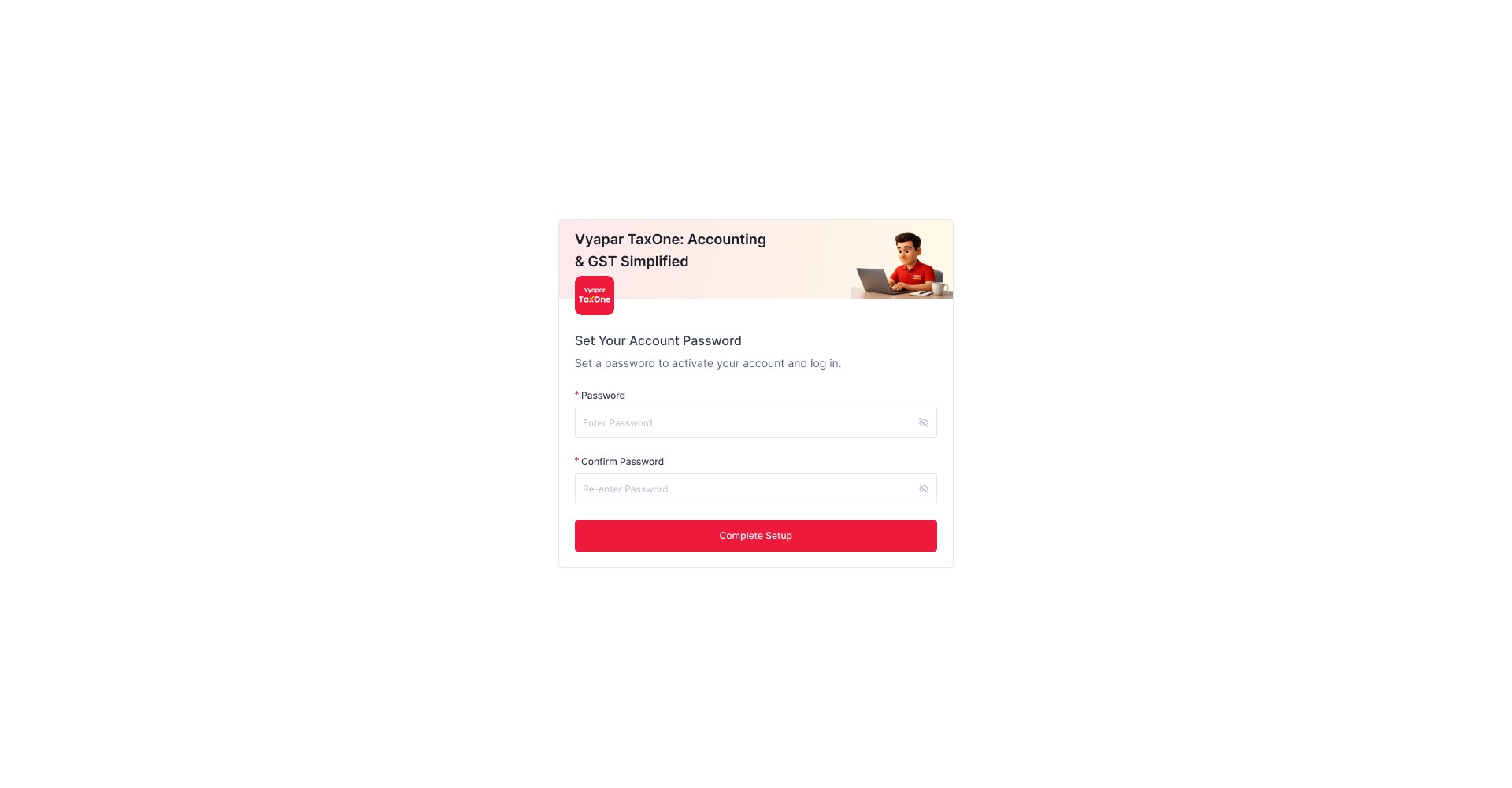
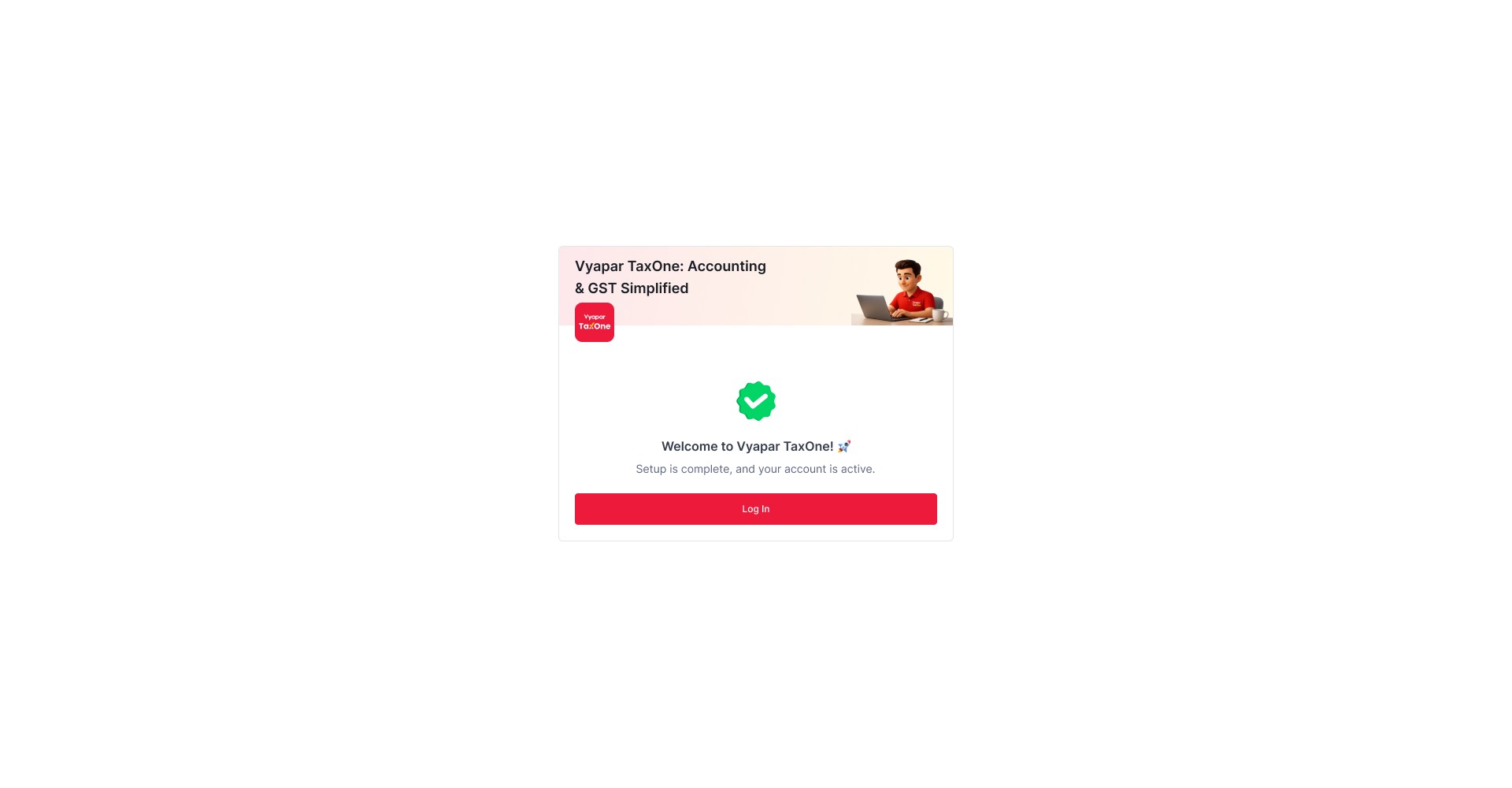
Introduce a secure OTP-based verification and password setup flow for newly invited and existing secondary users.
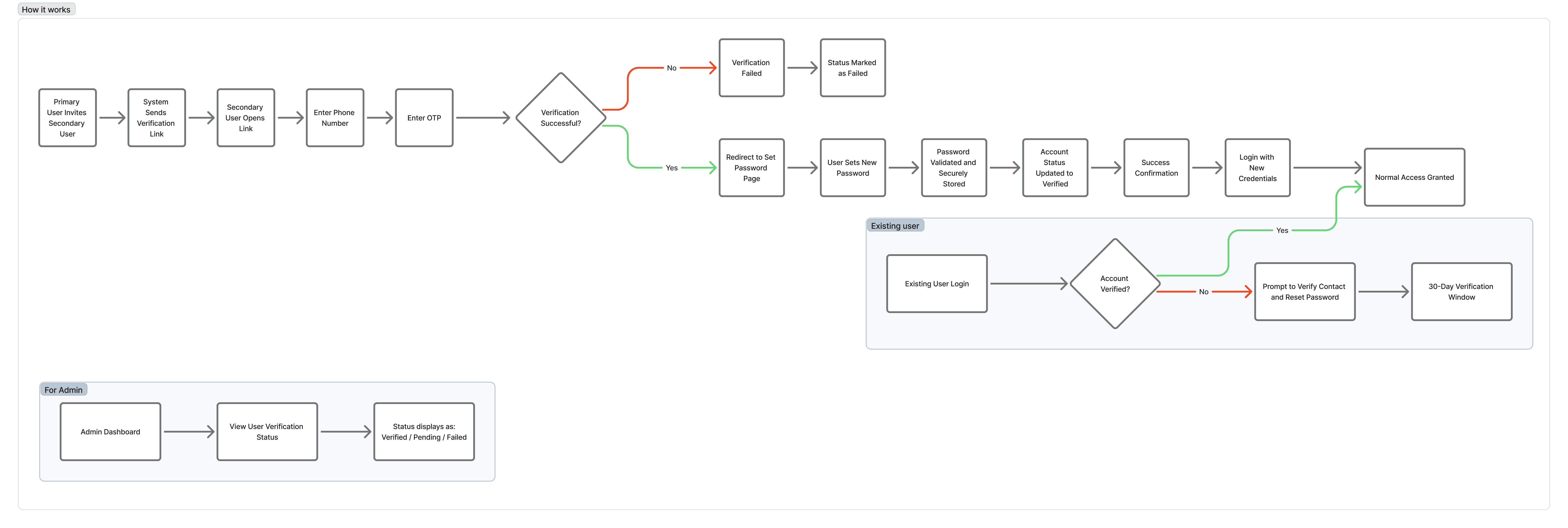
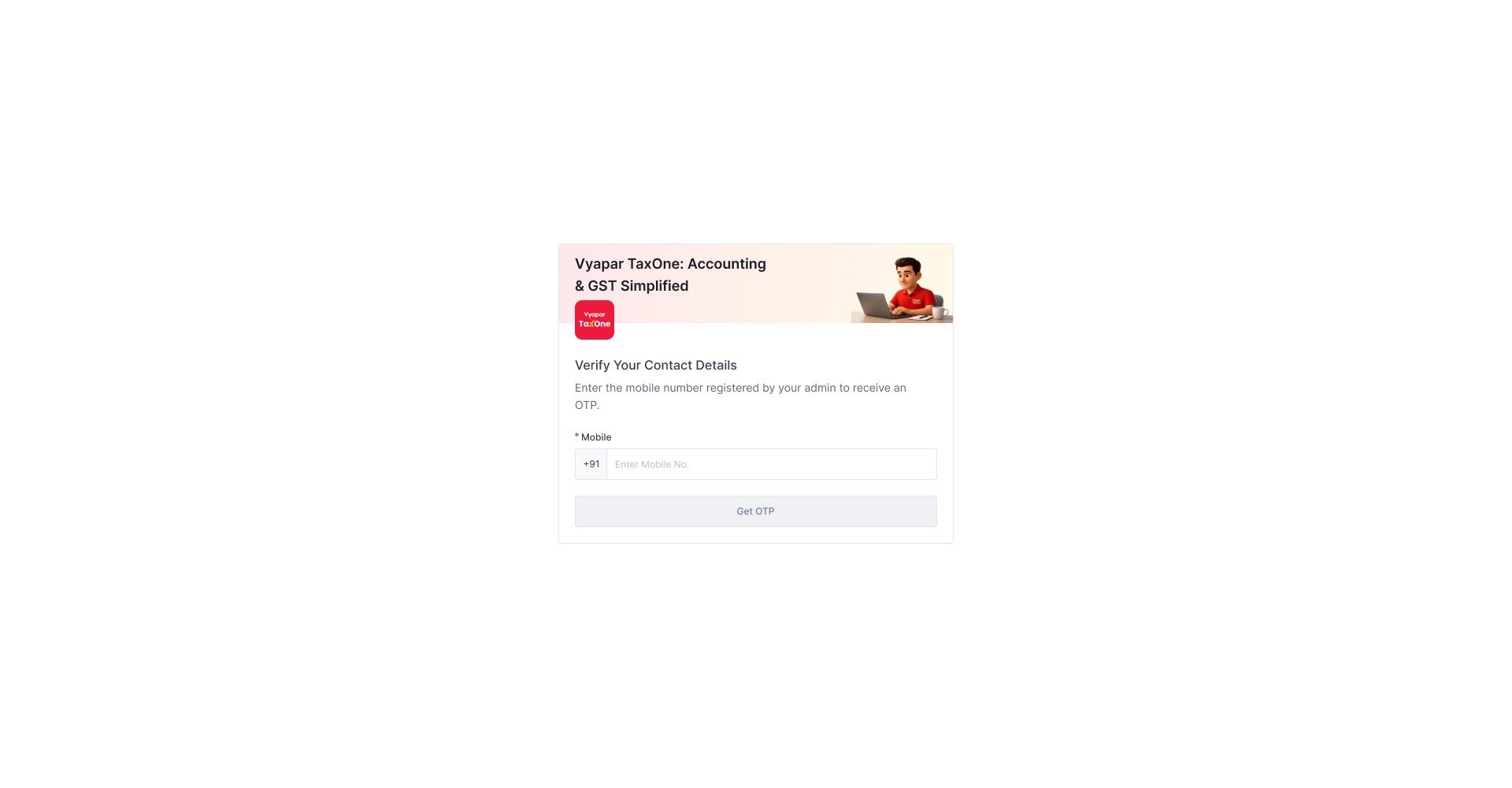
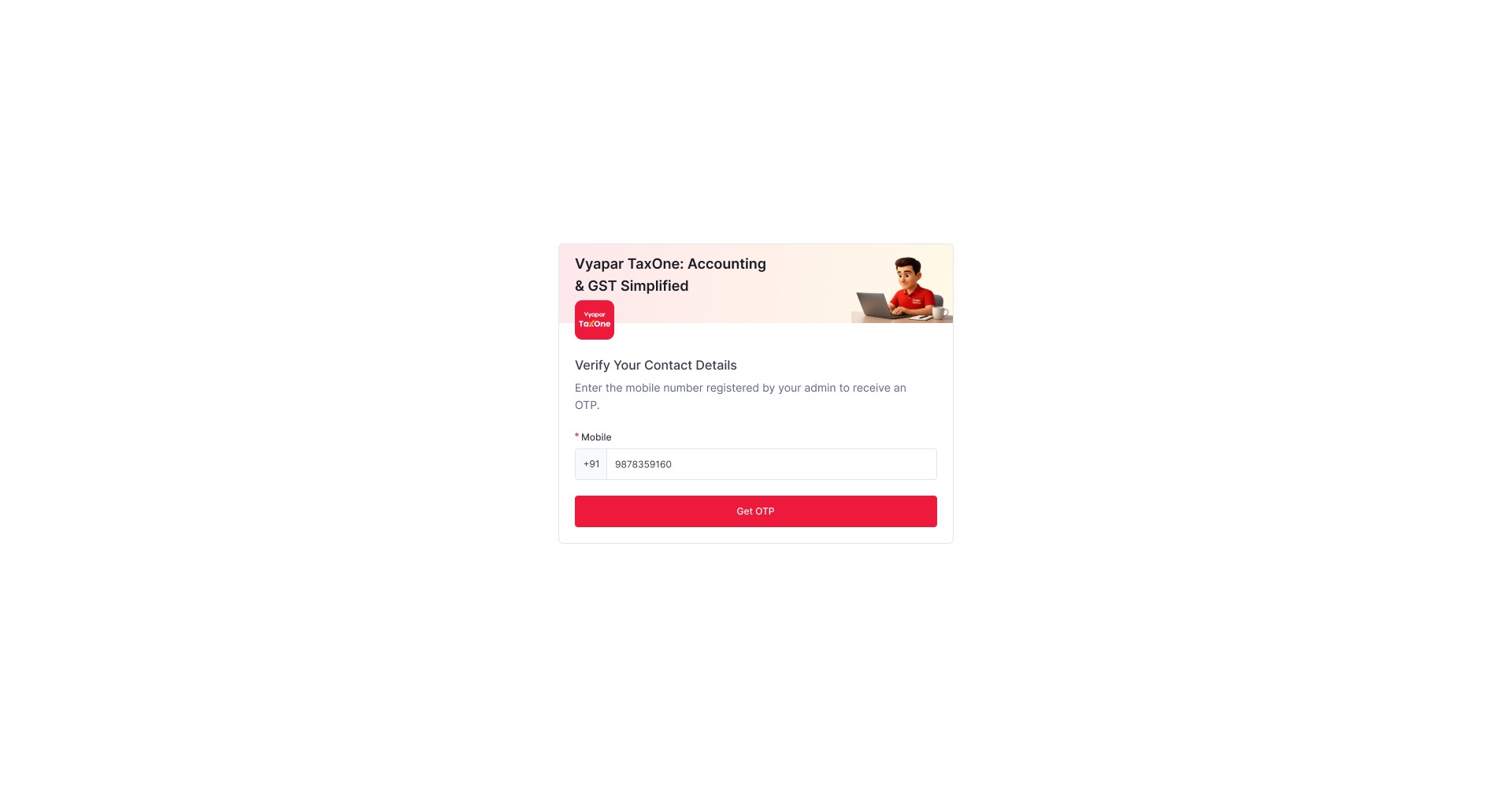
When invited, users receive a verification link or OTP to confirm their contact details and set their own password. For existing secondary users, the system prompts verification and password setup upon next login.
User Flow
Key Design Decisions
Message Delivery
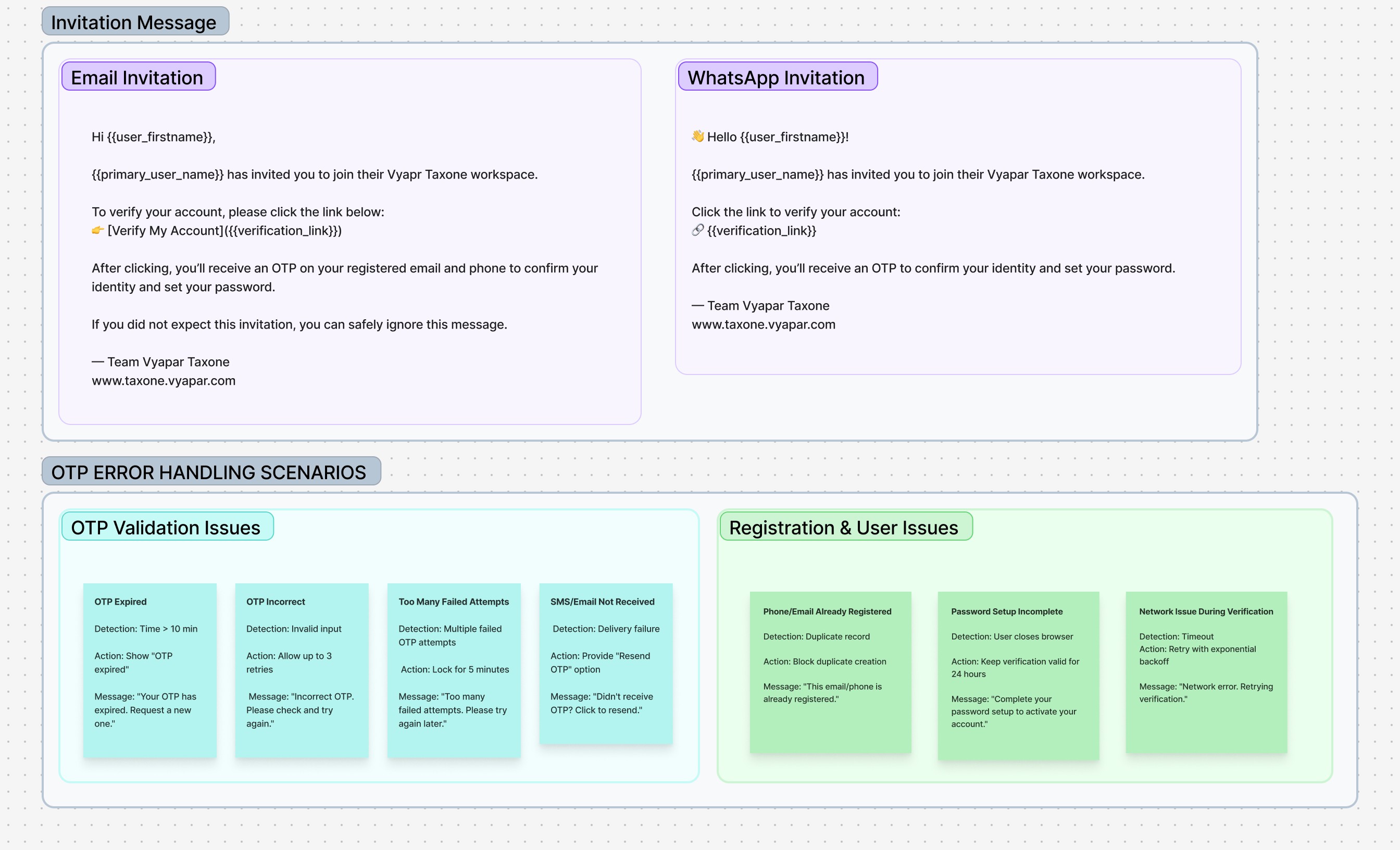
If phone number is on WhatsApp → Send invitation via WhatsApp
If not on WhatsApp → Send via Email and SMS
Verification & Security
Phone-first: Phone verification required, email optional
OTP validity: 10 minutes with 3 retry attempts
Resend: Up to 3 times with 60-second cooldown
Failed attempts: 5-minute verification lock
Password Control
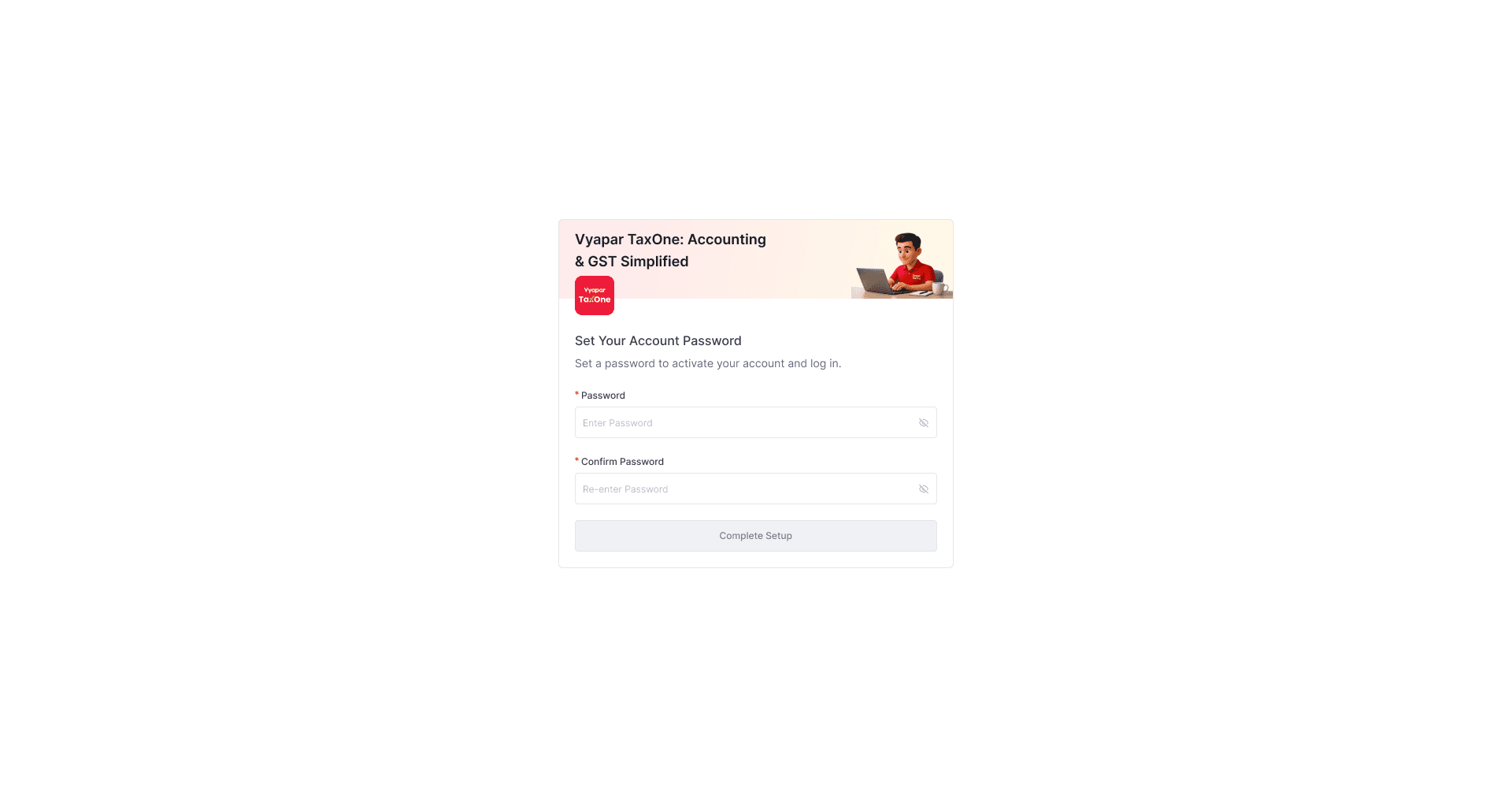
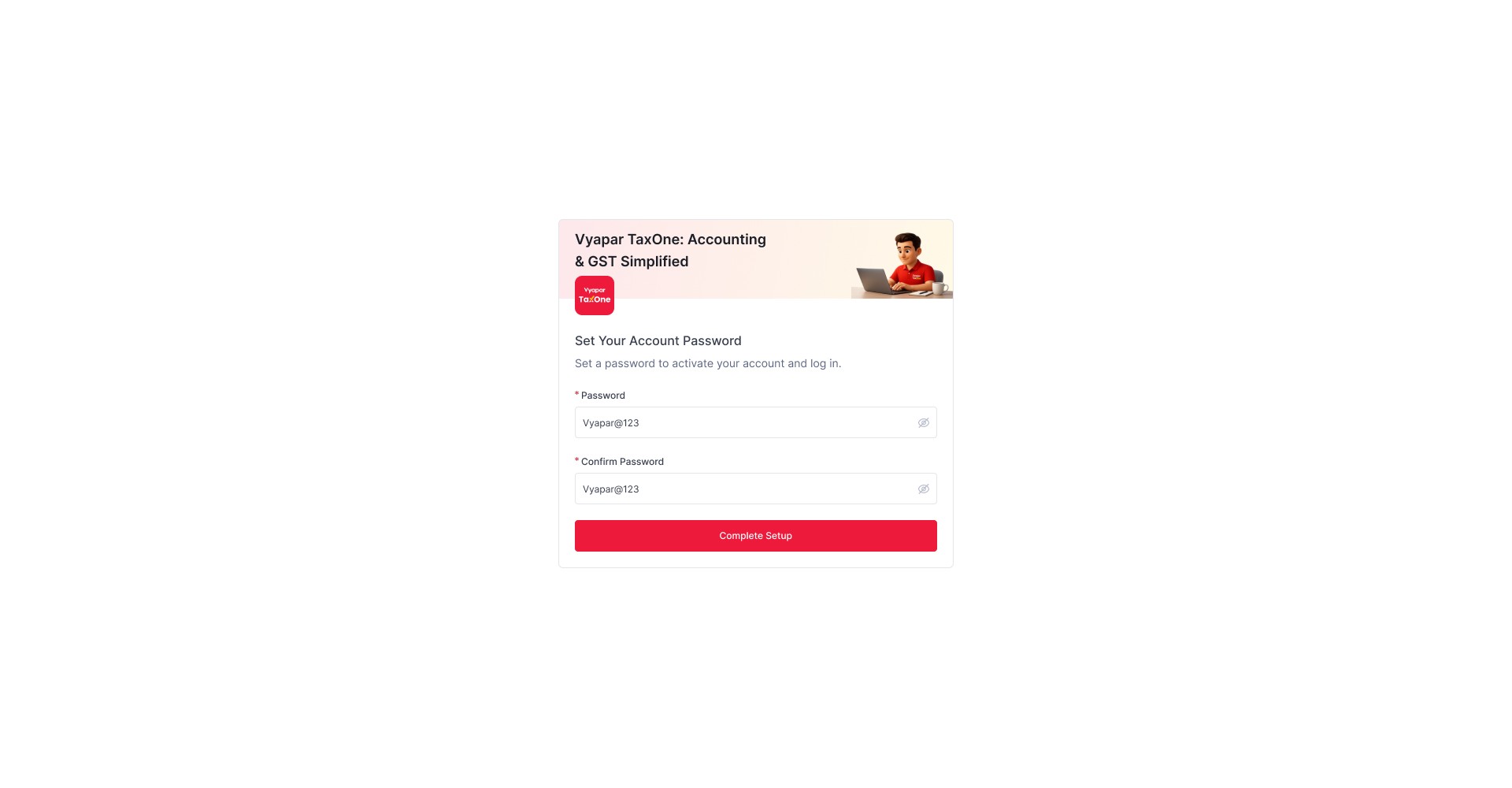
Users set own passwords (Alphanumerical)
Once verified: Primary user cannot reset password or change contacts
Before verified: Primary user can edit details
Failed Logins
5 failed attempts → 24-hour OTP-only access (no deactivation)
Failed Logins
5 failed attempts → 24-hour OTP-only access (no deactivation)
🚀 Reflection
This project proved that security features can feel seamless when designed with user needs in mind. The dual branding maintained trust across user types while the 30-day grace period enabled disruption-free migration.